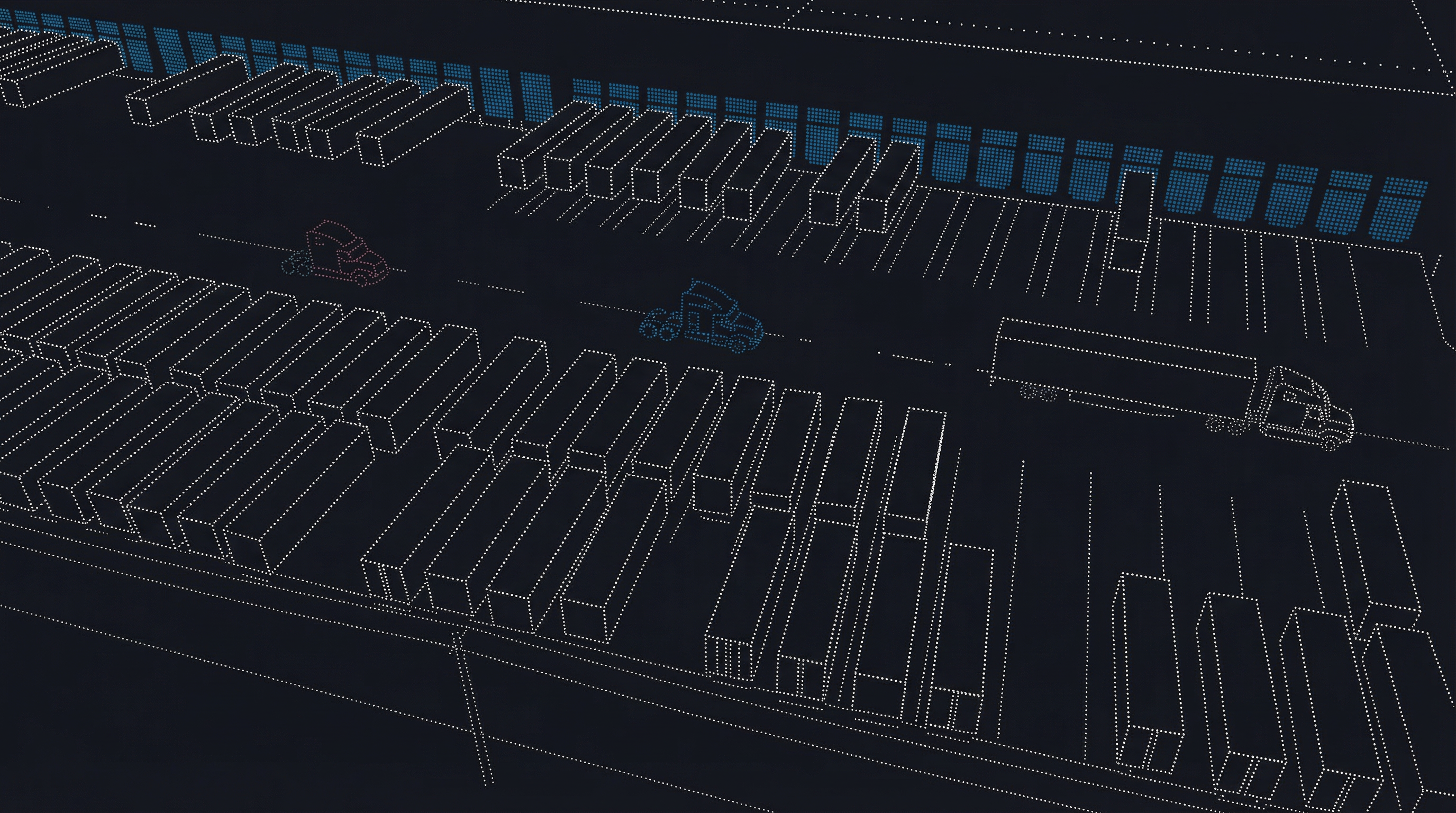
Dock + Yard Orchestration

Make Dock
Operations
Predictable.

One workflow from appointment to completion. Yardo connects your facility teams, carriers, and drivers in real time — so nothing falls through the cracks at the dock.

0
Manual Gate Reconciliation
Live
Dock Status at Every Door
1
Platform, Built Around Your Operation
Live Dock StatusLive
Door 01
Atlas Freight
REF-4821 · Inbound
Working
Door 02
Northstar Logistics
REF-4822 · Outbound
Assigned
Door 03
BlueLine Transport
REF-4823 · Arriving
En Route
Door 04
No appointment
Available 2:30 PM
Open
Door 05
Horizon Carriers
REF-4824 · Inbound
Checked In
Scheduled
Checked In
Door Assigned
Released to Dock
Work in Progress
Work Complete
Appointment Closed
Carrier Notified
Exception Resolved
Analytics Updated
Scheduled
Checked In
Door Assigned
Released to Dock
Work in Progress
Work Complete
Appointment Closed
Carrier Notified
Exception Resolved
Analytics Updated
The Problem

Where Dock Ops
Break Down

Facilities lose hours every day to problems that are entirely preventable — once you have the right operational layer in place.

01
Disconnected Scheduling
Appointments live in email, spreadsheets, and TMS notes that never talk to each other. No one has a single view of what's booked, what's changed, and who needs to know.
02
Drivers Arriving Blind
Trucks show up early, late, or with no reference number. Gate staff scramble to match them to a schedule. What should take seconds takes 15 minutes — and holds up the entire yard.
03
No Control Over Who Books
Facilities either block all self-scheduling — and handle everything manually — or open it up and lose visibility. Neither works. You need a middle ground that doesn't exist in most systems.
04
Dock Capacity Wasted
Without real capacity controls, doors get double-booked while others sit empty. Exceptions — wrong paperwork, wrong window, wrong carrier — surface too late for ops to act.
How It Works

One Loop,
Start to Finish

Six steps. No handoffs to other systems. No manual reconciliation. Every step feeds the next — automatically.

01Configure
02Book
03Check In
04Assign
05Execute
06Analyze
Step 01 / Configure
Set Up Your Facility Your Way
Define locations, doors, operating hours, and capacity per door. Set booking rules for each location — from open access to invite-only. Every setting is per-location, so a single account can run multiple facilities with completely different policies.
Locations, doors, and operating hours
Capacity constraints per door
Booking access policy per location
Document requirements for carriers
Team roles and permissions
Step 02 / Book
Appointments That Come With Rules
Carriers book through the self-service portal — or facility staff schedule directly. Either way, every appointment captures the carrier, references, time window, and any required documents. Policy controls mean you decide exactly who can book and how.
Carrier self-service portal booking
Direct scheduling by facility staff
Document requirements enforced at booking
Reschedule and cancel workflows
Appointment messaging thread
Step 03 / Check In
Drivers Check In. Data Appears.
No app. No account. Drivers tap a link, scan a QR at the gate, or use an on-site kiosk. The moment they check in, an arrival is created in the facility's live queue — with any mismatches flagged as exceptions immediately.
Unique secure link per appointment
QR code at gate or in driver instructions
On-site kiosk for walk-in lookup
Mismatches flagged instantly as exceptions
Arrival appears live in facility queue
Step 04 / Assign
Gate Takes Control
Gate staff see a live queue of everyone onsite. They assign doors, release trucks to the dock, and manage holds — all from one screen. Exceptions are resolved before they become delays.
Real-time arrivals queue
Door assignment and release to dock
Holds for incomplete paperwork or early arrivals
Exception resolution workflow
Two-way driver SMS for instructions (Advanced)
Step 05 / Execute
The Dock Board Runs the Floor
The dock status board shows every door — what's there, what's next, and where each truck is in the work cycle. Dock staff progress work directly from the board. Fewer radio calls. Less confusion. More throughput.
Door-centered live board for dock staff
Work states: at dock → working → complete
All screens update live — no refresh needed
Appointment messaging through completion
Step 06 / Analyze
Data That Improves the Operation
Every appointment, check-in, and exception generates operational data. Analytics surfaces throughput trends, carrier performance, and utilization patterns — so you can identify bottlenecks and make the case for change. Exportable for ops leadership reviews.
Appointment and utilization rollups
Carrier performance tracking
Exception trends over time
Export for leadership reporting
Three Portals

Built for
Every Role

Yardo isn't one tool everyone shares awkwardly. Each user group gets an experience designed for exactly what they need to do.

01
Facility Teams
Facility App
The daily operations hub for everyone at the facility — from the planner who builds the schedule to the gate team managing arrivals and the dock staff progressing work.
Live dashboard
Schedule management
Arrivals queue + exceptions
Dock status board
Carrier directory
Analytics + export
02
Carriers
Carrier Portal
Self-service scheduling with real guardrails. Carriers find facilities, request access, book appointments, upload required documents, and message the facility — without a single email.
Facility directory + access requests
Booking wizard
Appointment management
Document uploads
Appointment messaging
Fleet & driver roster
03
Drivers
Driver Check-In
No app to download. No account to create. Drivers tap a link, scan a QR code, or walk up to a kiosk — and they're checked in. Every check-in feeds live data back to the facility instantly.
Unique secure link per appointment
QR code at the gate
On-site kiosk lookup
Status + door instructions
Two-way SMS (Advanced plan)
Real-Time Updates
Arrival Exceptions
Door Assignment
Document Requirements
Carrier Messaging
Equipment Planning
Invite Links
Driver SMS
Analytics Export
Access Policies
Real-Time Updates
Arrival Exceptions
Door Assignment
Document Requirements
Carrier Messaging
Equipment Planning
Invite Links
Driver SMS
Analytics Export
Access Policies
Platform Features

Everything the
Operation Needs

Scheduling
Appointments That Become Operations
A Yardo appointment isn't just a calendar entry — it's a live record that tracks the truck from booking through to completion. Every status change is captured, visible, and actionable by your team in real time.
Scheduled
Initial
Checked In
Driver
In Progress
Dock
Work Complete
Done
Closed
Final
Gate Control
The Arrivals Queue That Runs Your Gate
Gate staff see a live feed of everyone onsite — updated the moment a driver checks in. Assign doors, place holds, resolve exceptions, and release trucks to the dock without a single radio call or manual lookup.
Live arrivals feed
Door assignment
Holds management
Exception resolution
Release to dock
Documents
Required Documents, Actually Required
Set document requirements per location — some due at booking, some due before arrival. Carriers upload directly from their portal. Missing documents become visible exceptions before the truck ever shows up.
Bill of Lading
At Booking
Insurance Certificate
Before Arrival
Hazmat Declaration
Before Arrival
Carrier ID
At Booking
Equipment (Optional)
Shared Equipment, Under Control
For facilities managing forklifts, clamp trucks, or pallet jacks — Yardo ties equipment availability directly into dock scheduling. Set capacity pools, flag conflicts before they happen, and block equipment out for maintenance without a separate system.
Equipment pools with capacity limits
Reservations with overbooking rules
Maintenance blocks
Utilization reporting + export
Booking Control

Your Facility,
Your Rules

Every location can have its own access policy — from completely open to invite-only. Switch modes as your operation evolves. No code changes, no IT tickets.

Need tight onboarding control? Generate time-limited invite links for new carriers, revoke them when needed, and keep a full access request audit trail.

Mode
What It Means
open
Low friction. Any carrier can submit a booking without prior approval.
verified
Identity checked. Carriers verify with a one-time code before they can book.
allowlist only
Approved only. Only pre-approved carrier identities can book.
invite only
Token required. Booking requires a valid invite link from the facility.
hybrid
Mixed strategy. Trusted carriers get one path; new ones face booking limits and review.
disabled
Portal off. All appointments scheduled internally by the facility.
Pricing

Simple Plans,
Real Value

Start free. Grow into the features your operation needs. No surprise costs, no infrastructure to manage.

Starter
Free
$0forever
Get started and validate Yardo fits your operation before you commit.
100Appointments/mo
2Docks
1Facility
1 facility location
Up to 2 docks
100 appointments per month
Driver check-in
Basic arrivals queue
Carrier portal access
Start Free
Coming Soon
Enterprise
Ops+
$49/dock/month
Everything in Ops, plus full yard management and advanced carrier controls.
Everything in Ops
Full yard management
Two-way driver SMS
Advanced analytics
Priority support
Notify Me

Pricing is per dock door. A facility with 10 docks on the Ops plan = $350/month.

Common Questions

We Hear
These A Lot

"
We Already Have a TMS.
Yardo isn't a TMS replacement — it's the operational layer at the dock. Your TMS plans the freight. Yardo converts those appointments into live arrivals, door assignments, and real-time dock execution. They work together.
"
We Can't Allow Open Carrier Self-Scheduling.
That's exactly what Yardo was built for. Six access policy modes let you require identity verification, restrict to approved carriers only, or issue invite links for tight onboarding control. You set the rules — Yardo enforces them.
"
Drivers Won't Download Another App.
They don't have to. Driver check-in is a public web page — a secure link, a QR code, or a kiosk. Nothing to install, no account to create. Any phone with a browser works. Adoption is essentially automatic.
"
How Is This Different from What We Have?
Most facilities use scheduling tools or tracking tools — but nothing that connects them into a single live workflow. Yardo is the operational layer that takes an appointment all the way through: booking, check-in, arrivals, dock execution, and analytics — in one place.
Yardo

Predictable Dock
Operations
Start Here.

See the full workflow in a 30-minute demo. We'll walk through your operation, show you where Yardo fits, and get one facility configured same day if you're ready.

Start FreeRequest a Demo